
Templates
Templates are a quick and easy way to maintain brand consistency in your PowerPoint presentations, videos, and social media posts. These tools take the guesswork out of proper logo placement while saving you time with pre-added design features. Templates will continue to be added for your use.
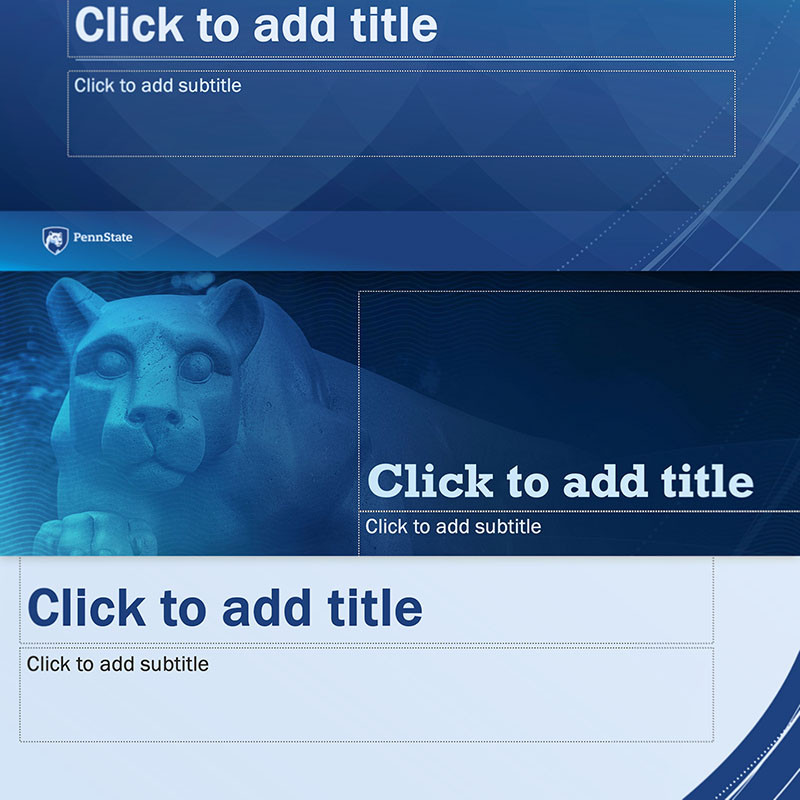
PowerPoint
Three brand PowerPoint templates are natively accessible in the University’s Microsoft tenet; simply select New from Template to get started. The three templates provide an accessible, on-brand foundation for your presentations and now include several more master slide layouts to choose from.
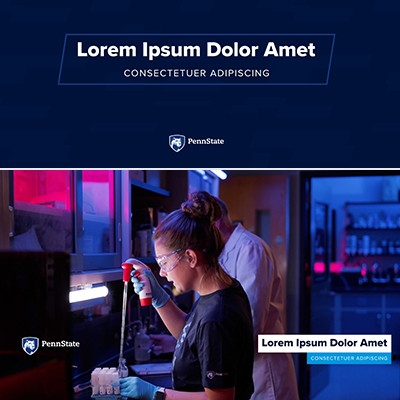
Video
Three motiongraphic (mogrt) templates are available for download and use in Adobe Premiere. The newest mogrt is built in 4K resolution and offers highly adaptable controls for creating animated title slates, lower third identifiers, and pull quotes. In all three video templates, you’ll find on-brand designs, brand colors, and integrated brand patterns to choose from. Controls make it easy to apply many University marks, use approved typefaces, and ensure alignment to our Penn State visual identity.
Also available for download is our Video Guidelines—a technical guide with a foundational reference to our brand messaging and storytelling frameworks. This resource should prove valuable for a variety of experience levels and includes a link to a live video workshop covering much of the guideline material.

Social Backgrounds
As our first social-specific brand element, Social Backgrounds provide an easy way for you to incorporate visual brand consistency into your posts. All backgrounds are provided in widescreen, square, and vertical aspect ratios with and without the Community Shield design.